Verify your data is flowing
The verify step confirms data is actually reaching Wazlytics. You don’t have to check anything by hand — Wazlytics watches for your site’s first event and lights up the moment it arrives.
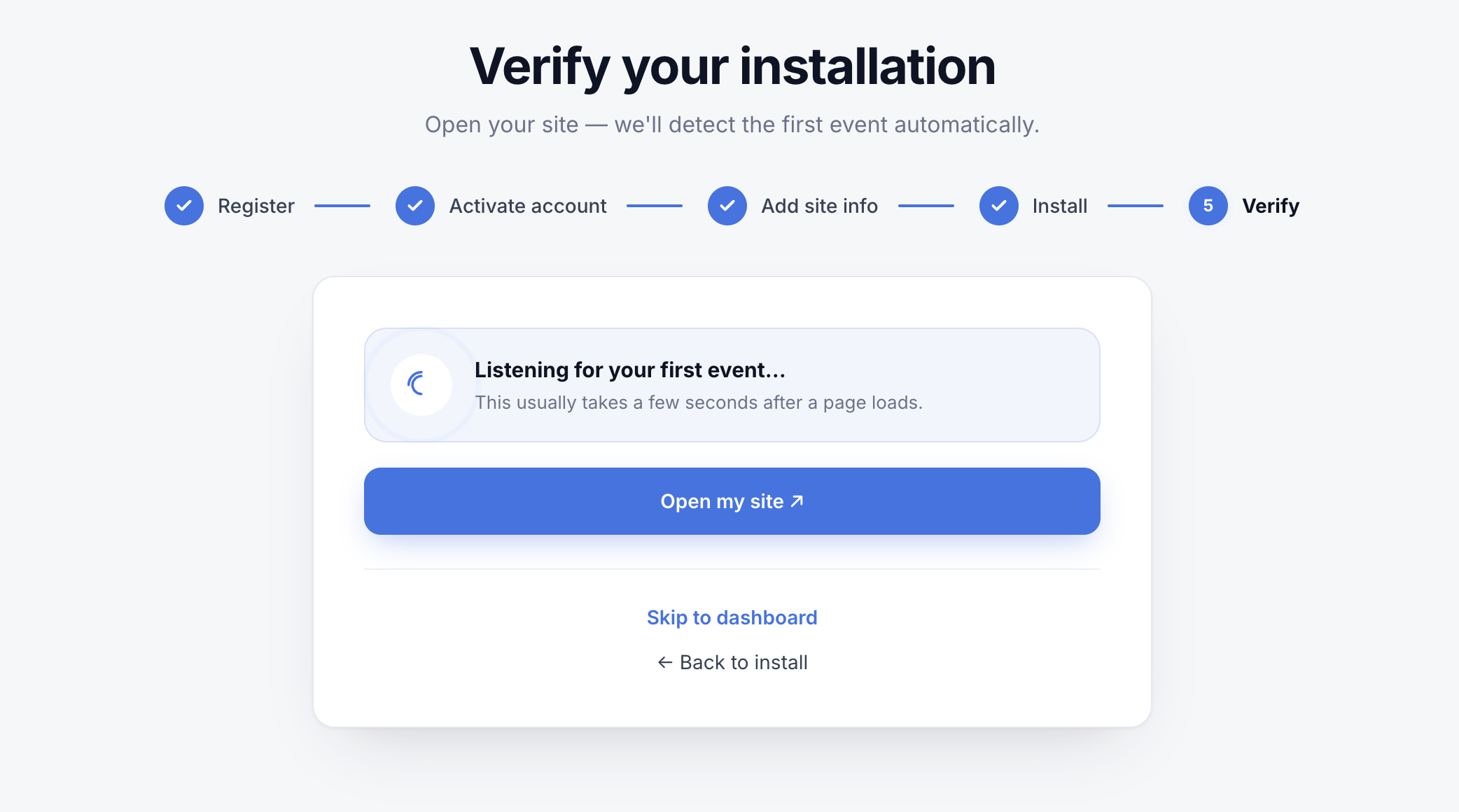
Watch for the first event
Use Open my site to load your site in a new tab, then come back. While you wait, the screen shows “Listening for your first event…”. It usually takes only a few seconds after a page loads. When the first pageview comes in, you’ll see It works! 🎉, a short feed of the live events, and a Go to dashboard button.
Tip
Or check Realtime
Any time after setup, open the Realtime view from your dashboard to watch visitors arrive live. Your own visit should show up within a few seconds of loading a page.
Don’t see data yet?
A few things to check first:
- The snippet is on your live site, not just a local copy — and the change is published.
- If a CDN or cache plugin serves your pages, clear the cache so the updated
<head>goes out. - Load a real page in a normal browser tab, then give it a few seconds.
- A strict content blocker in your own browser can hide your test visit — pause it while testing.
Still nothing? The Troubleshooting installation article in Install & integrations digs deeper.