Create your account
Your account is the first step. You’ll enter a few details, confirm your email, and head straight into setting up your first site. Creating an account takes only your name, email, and a password — no credit card.
Sign up
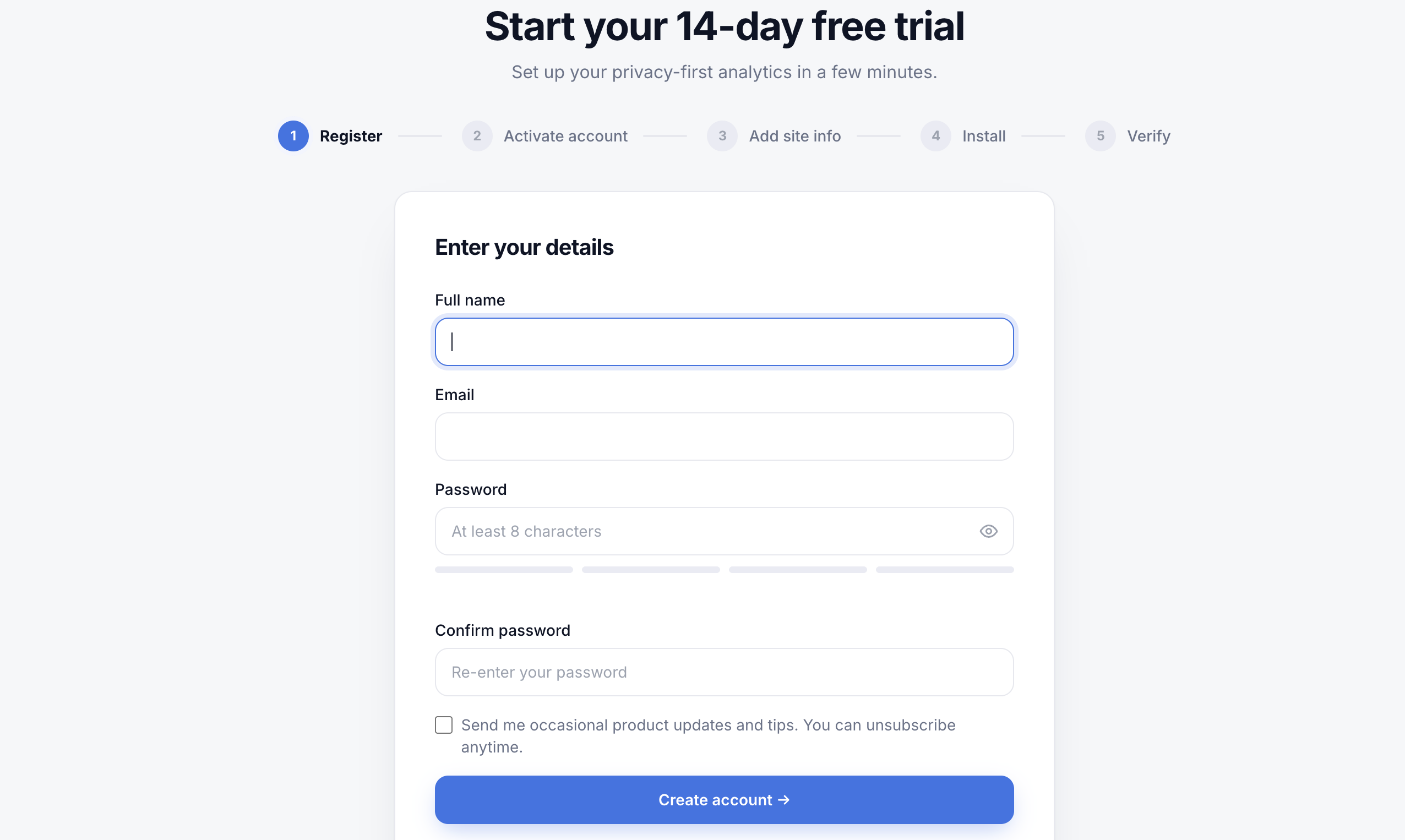
On the sign-up page, fill in:
- Full name and email — your email is also how you sign in.
- Password — at least 8 characters. A strength meter helps you pick something solid; confirm it in the second field.
There’s also an optional checkbox to get occasional product updates and tips. It’s off by default, and you can unsubscribe anytime — leaving it unchecked has no effect on your analytics.
Note
Activate your account
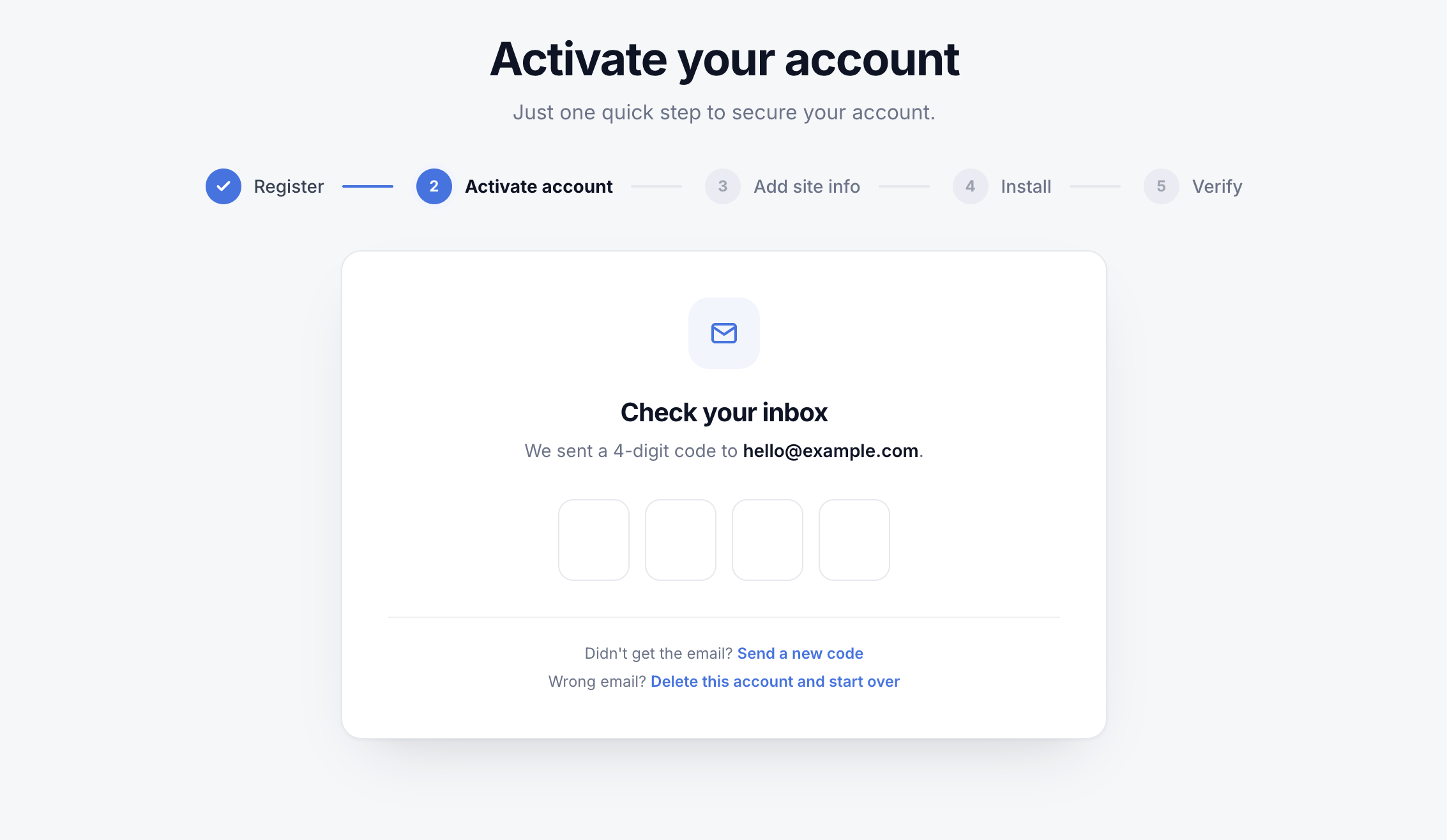
Right after you sign up, we email a 4-digit code to your address. Enter it on the activation screen to confirm your email and secure your account. If the email doesn’t arrive in a minute, request a new code — and check your spam folder, since it’s the first message we’ve sent you.
What happens next
Once your account is active, Wazlytics walks you through the rest of setup: add your first site, install the tracking snippet, and verify your first visit. Your 14-day free trial begins as you set up that first site — no charge while you try it out.
Up next: Add your first site.